Get more views & increase CTR
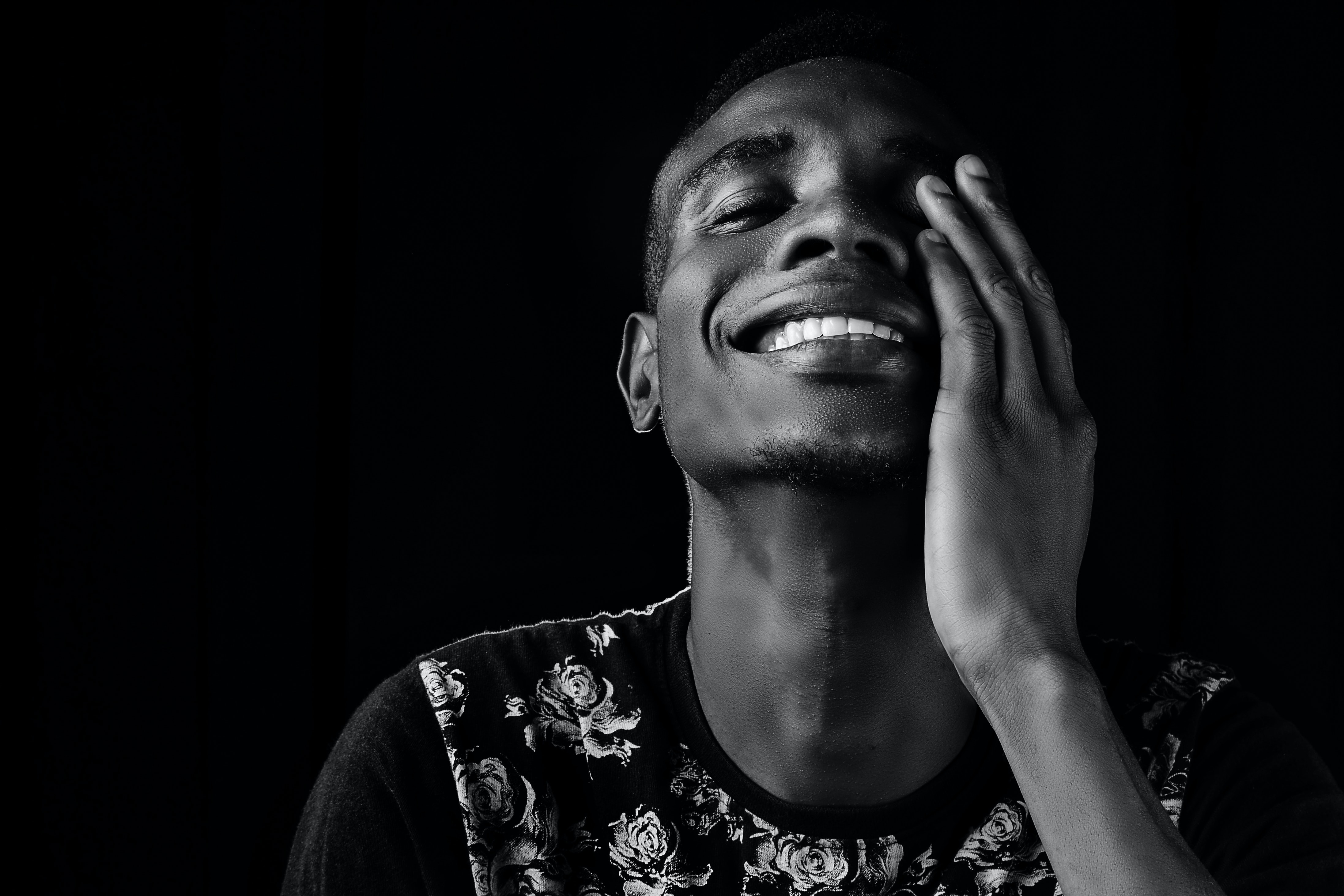
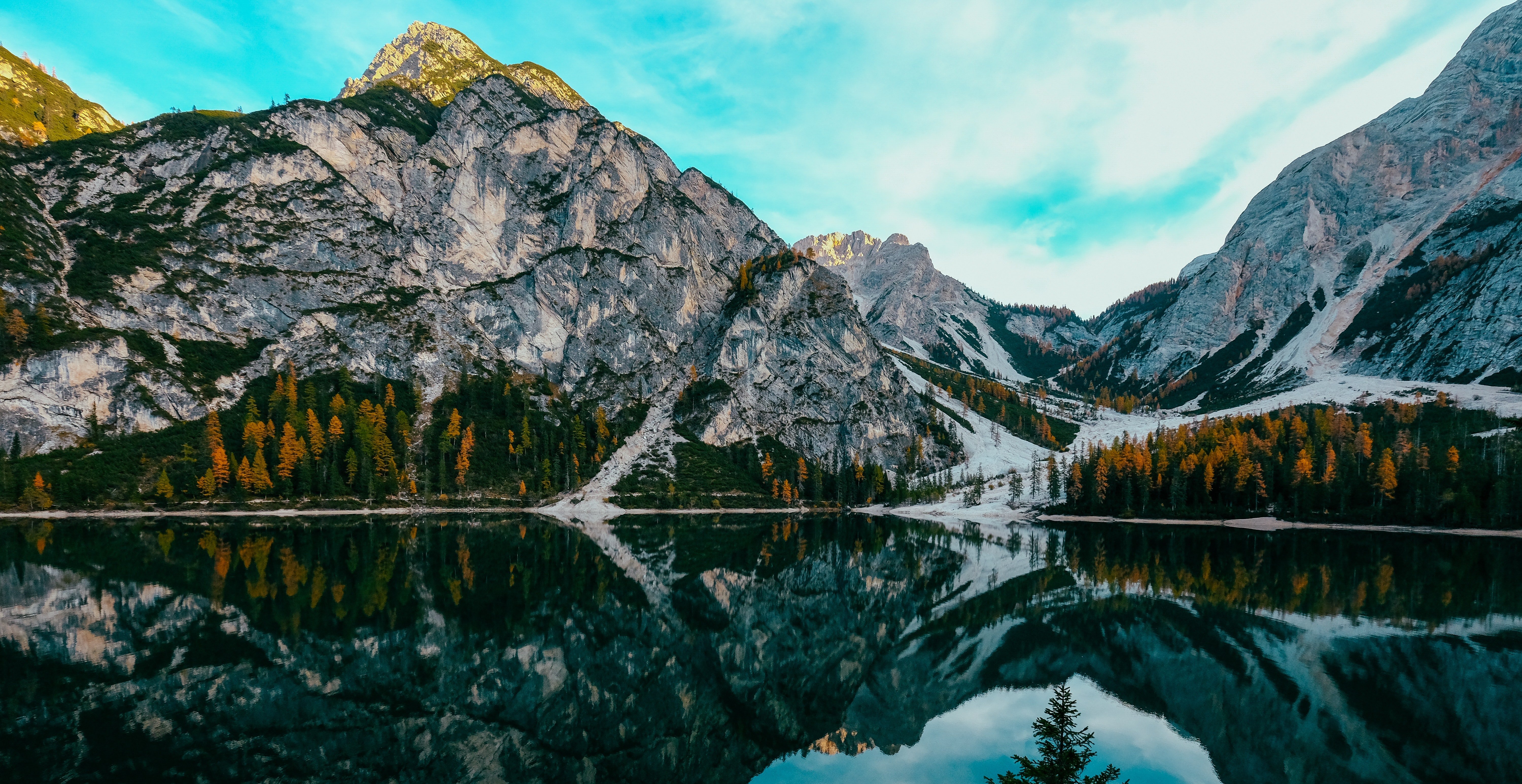
7 templates designed to make your thumbnails look professional and exclusive, get advantage with that eye-catching glow effect to make your channel truly stand out!
This preset pack includes:
- 7 easy-customizable thumbnail templates Photoshop files (PSD) with a unique design
- A video tutorial showing you how to use templates in Photoshop on desktop. Easy step-by-step tutorial for absolute beginners on how to replace the photo with yours and add that glow effect, how to change text, font, colors, etc. to create a thumbnail for your videos
- Design assets library to customize your thumbnails with your own vision, includes backgrounds, dust effects, smoke, camera lens blur, etc.
Example Curriculum
7 YouTube Thumbnail Templates for Photoshop | Desktop
Available in
days
days
after you enroll
Join closed Facebook Group for YouTubers
Available in
days
days
after you enroll
How to work with the templates: Photoshop Step-By-Step Beginners Guide
Available in
days
days
after you enroll
- How to work with the templates: 6 steps to make a thumbnail (1:15)
- #0 Quick walkthrough in Photoshop (4:59)
- #1 How to add background image (5:21)
- #2 How to change text: font, color, effects (7:05)
- #3 How to add motion blur, Gaussian Blur and "Glow" effect for the objects (4:33)
- #4 How to add your photo and make "Glow" effect (9:15)
- #5 How to work with effects: particles, smoke, camera blurs, etc. (3:35)
- #6 How to make professional color correction in a few clicks (2:43)
Full Tutorial from 0 to the final thumbnail for advanced users
Available in
days
days
after you enroll
Write a review about my course 👈
Available in
days
days
after you enroll
7 Unique Thumbnail Templates


Get started now!
Increase click-through rate and start getting more views and subscribers with thumbnail templates today!
FAQs
Do I need to have the paid version of Photoshop to use these templates?
Yes, you would need to have Adobe Photoshop on your desktop to edit these templates.
I've never used Adobe Photoshop before and don't know much about photo editing. Will that be a problem?
Not at all! These templates are designed to make your life easier when it comes to editing your YouTube thumbnails. With an easy step-by-step tutorial that's going to be available after purchase, I'm gonna walk you through everything you need to know to fully customize your thumbnail.
Can I get a refund after purchase?
Sure! You get 30-day money-back guarantee
Can I share these presets with my friends?
Any unauthorized distribution of these Photoshop templates by Arti Creator is prohibited and will be met with legal action. Please keep the templates to yourself and just tell your friends where they can get their own copy!
Get started now!
Increase click-through rate and start getting more views and subscribers with thumbnail templates today!
Step Up Your YouTube Game with my other products:
EXAMPLE